Can Code Inspection Machine Keeps Bottom Codes Reliable
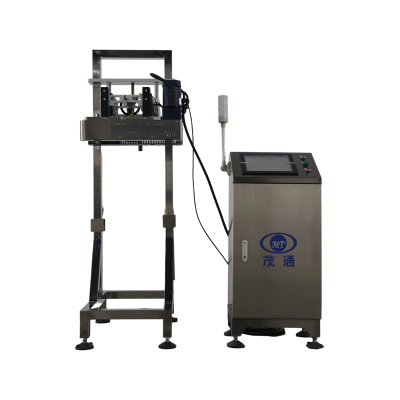
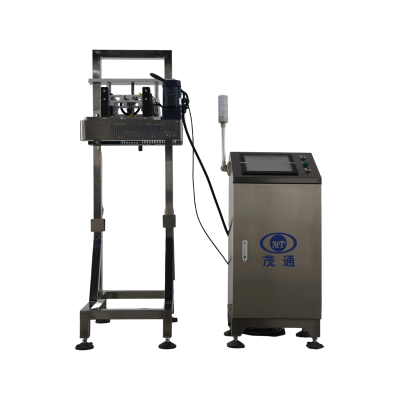
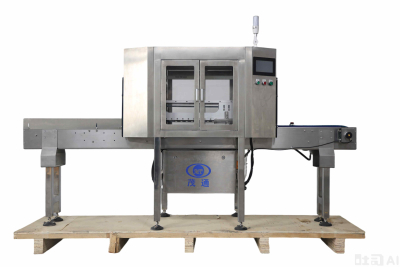
In high-speed beverage production, a single unreadable bottom code can create traceability problems long after the can leaves the line. When output reaches up to 72,000 cans per hour, manual checks are no longer practical. The Can Code Inspection Machine is designed for inline inspection of inkjet printing on can bottoms, helping manufacturers identify missing, blurred, incorrect, offset, or duplicate codes and reject defective cans automatically.

Why Bottom Code Inspection Matters on Beverage Lines
Bottom inkjet codes commonly carry date information, factory codes, qualified marks, or anti-counterfeiting codes. If the print is missing, smeared, shifted, or wrong, the finished product may fail internal quality requirements or become difficult to trace during distribution.
The machine uses non-contact online inspection, so the can body is not damaged during checking. It is positioned close after the inkjet printer, allowing code defects to be detected before defective products travel further downstream. For beverage producers running multiple batches, this placement helps contain coding problems early and keeps rejection decisions connected to the actual can position on the conveyor.
Efficient Character Training for Batch Changes
Production lines often shift between different SKUs, date formats, or factory code combinations. The Can Code Inspection Machine supports efficient character training, allowing operators to set up and adjust inspection rules for different coding formats without a lengthy reconfiguration process.
Key recognition capabilities include:
•Automatic detection of year, month, and day code structures
•Recognition of fixed information such as factory codes and qualified marks
•Support for anti-counterfeiting code inspection
•Error correction for improved recognition stability
•Fast training for new character patterns
This flexibility is especially useful where can formats and printed content change frequently. The system is not limited to presence detection; it can also identify wrong dates, wrong factory codes, deformation, and individual character faults.
Encoder Based Counting and Precise Rejection
Detection is only valuable when the correct defective can is removed. The system uses an encoder-based synchronous counting system installed on the conveyor’s synchronous motor. When a can passes the positioning sensor, the control unit records the can identification number and the current encoder signal. This allows the rejector to remove the corresponding unqualified can at the correct moment.
This design helps maintain rejection accuracy during speed changes, line stops, jamming, blocking, or manual placement on the line. The Can Code Inspection Machine also uses zero-delay detection logic to reduce false rejects caused by movement disturbance, line friction, or temporary production interruptions.
Industrial Cooling for Long Running Stability
High-speed canning lines may run for extended periods, including in warmer factory environments. To support stable operation, the system includes industrial-grade air-conditioning. This cooling design helps prevent system failures and alarms during prolonged high-temperature operation, particularly in summer production conditions.
For production managers, stable temperature control is not simply a comfort feature. It supports continuous inspection performance, reduces unexpected stoppages, and helps the system maintain consistent image processing conditions during long shifts.
Defect Image Storage Improves Traceability
The Can Code Inspection Machine automatically saves images of rejected cans. These defect photos are organized by date, and the retention period can be adjusted according to production needs. This turns inspection results into practical quality records rather than only real-time pass or fail signals.
Defect image storage supports:
•Quality review after a production run
•Faster analysis of recurring coding problems
•Audit preparation and traceability checks
•Continuous improvement of inkjet printing settings
For example, if a specific batch shows repeated blurred codes or position offsets, stored images can help quality teams review the pattern and adjust the printing or conveyor conditions accordingly.
360 Degree Inline Inspection Principle
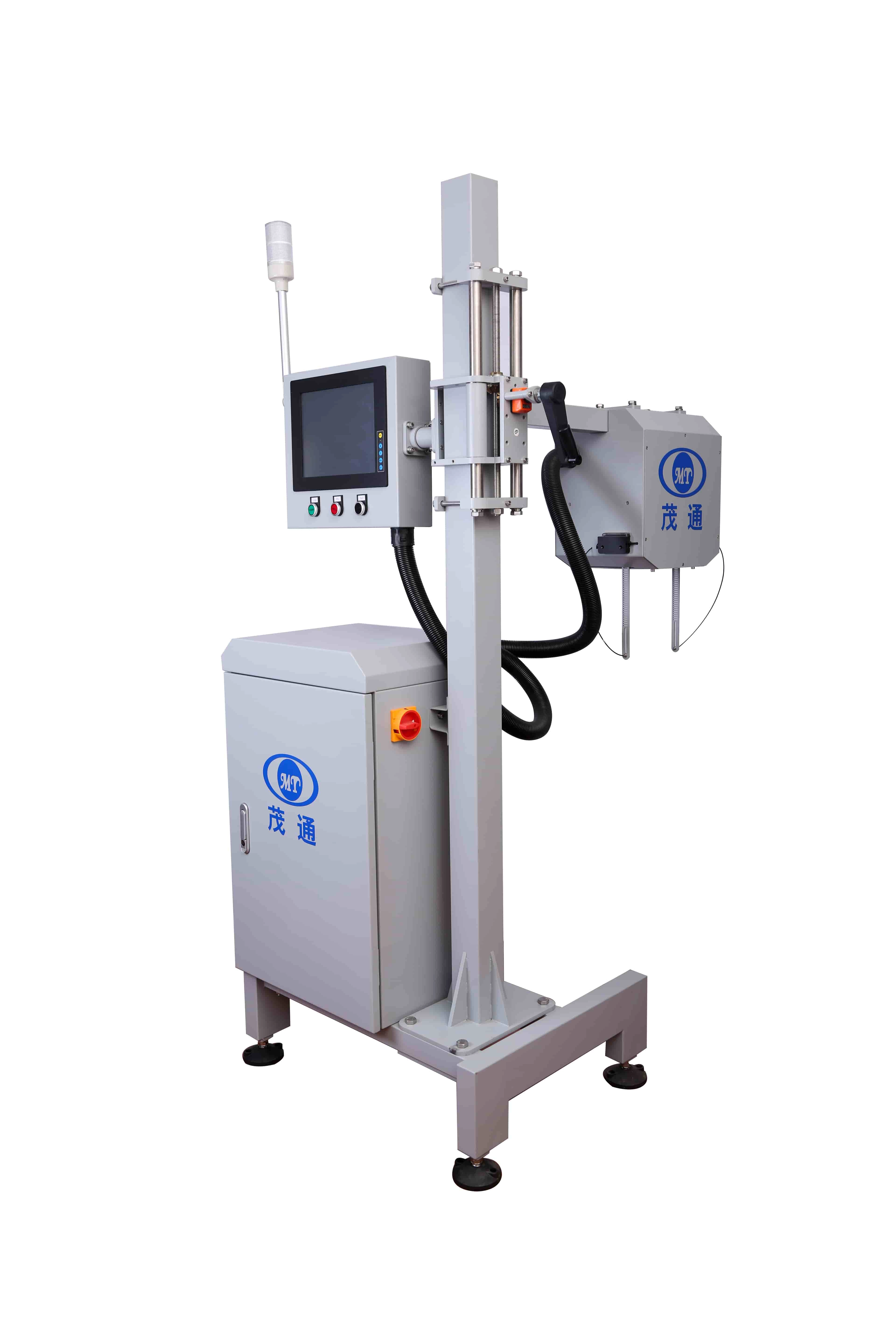
The inspection process is built around full 360° coding coverage with no blind spots. A Gigabit Ethernet digital camera captures images from above, and image processing algorithms analyze whether each can’s bottom code meets preset requirements.

The workflow is straightforward:
1.A positioning sensor detects the arrival of each can.
2.The control unit records the can ID and encoder signal.
3.The digital camera captures the current bottom code image.
4.The image is transmitted to the image processor through the network.
5.The processor analyzes the code and sends results to the HMI and control unit.
6.If the can is unqualified, the rejector removes it online.
The HMI provides dynamic display and multi-level access control, making daily operation easier for production and quality personnel.
Inspection Performance at a Glance
The Can Code Inspection Machine is designed for high-speed inline inspection with a maximum detection speed of 72,000 cans per hour. Its inspection accuracy covers the most common bottom code failure types.
| Inspection item | Testing condition | Rejection rate | False kick rate |
|---|---|---|---|
| No inkjet printing | Cover print, missing print, or inverted can | >99.99% | ≤0.03% |
| Missing inkjet printing | Single character missing more than 20% | >99.8% | — |
| Fuzzy inkjet printing | Characters unreadable by human eye | >99.93% | — |
| Incorrect inkjet printing | Wrong date, factory code, security code, or deformation | >99.99% | — |
| Position offset | Beyond the expansion zone | >99.99% | — |
| Duplicate inkjet printing | Multiple codes in the code area | >99.99% | — |
These values show how the machine helps reduce the risk of defective coding while limiting unnecessary rejection of acceptable products.
Practical Integration Checklist
To get stable performance from a Can Code Inspection Machine, installation and parameter setup should match the actual line conditions.
•Install the equipment closely after the inkjet printer.
•Confirm encoder synchronization with the conveyor system.
•Train character formats before production changeovers.
•Use the HMI for monitoring, parameter adjustment, and access control.
•Enable automatic defect image storage for quality review.
•Apply remote monitoring and control when continuous supervision is required.
•Customize functions according to specific production requirements.
For related product details, see the Can Bottom Code Inspection Machine page.
FAQs
What defects can the Can Code Inspection Machine detect?
It can detect no inkjet printing, missing printing, blurred or unreadable codes, incorrect dates, wrong factory codes, wrong security codes, position offsets, duplicate codes, cover prints, and inverted cans.
Where should the machine be installed?
It should be installed closely after the inkjet printer so that defective bottom codes can be detected and rejected early in the production process.
How fast can the system inspect cans?
The system supports inspection speeds up to 72,000 cans per hour, suitable for high-speed beverage can production lines.
How does the system reduce false rejects?
Its inspection software filters interference from can-bottom logos and surface scratches, helping minimize false rejects during code recognition.
Why is defect image storage useful?
Defect images provide traceable records for quality analysis, audit review, and process improvement when recurring coding defects appear.