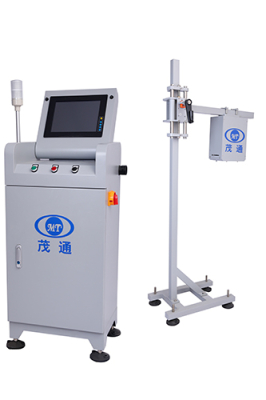
Can Code Inspection Machine Stops Defects Before Packaging
In beverage can production, a small inkjet coding defect can create a large traceability problem. Date codes, factory codes, anti-counterfeiting marks, and other bottom-code information must remain readable and correct while the line continues running at high speed. A Can Code Inspection Machine helps replace limited manual sampling with inline inspection, allowing defective cans to be identified and rejected before they move into downstream packaging.
Why Inline Code Inspection Matters
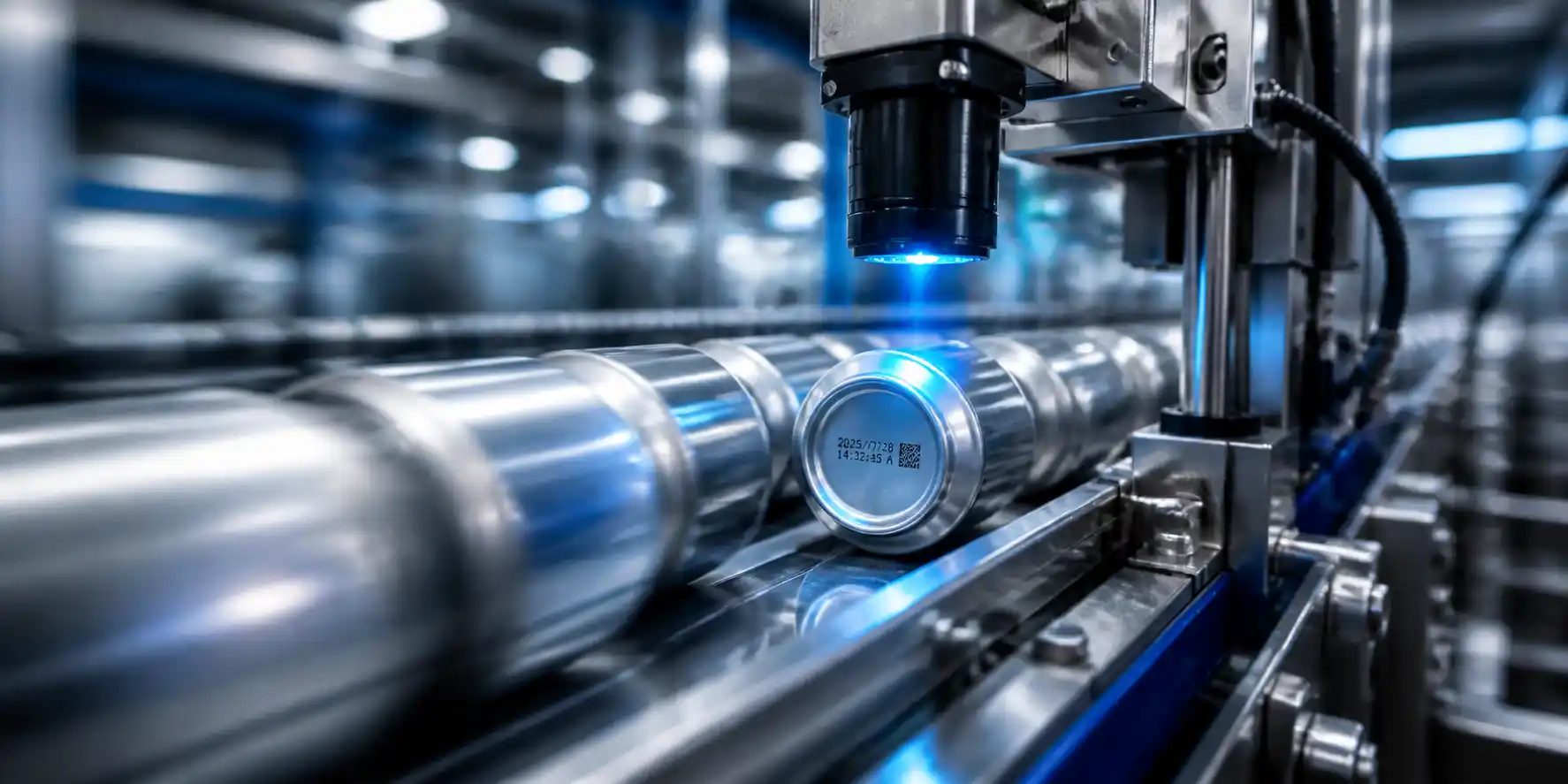
Manual inspection depends on operator attention and sampling frequency. On fast beverage lines, that approach may miss occasional issues such as missing printing, blurred characters, wrong dates, position offsets, duplicate printing, or inverted cans. The Can Code Inspection Machine is designed for online inspection of inkjet printing on can bottoms, automatically identifying and rejecting cans with defective or missing bottom codes.
The machine is typically installed close after the inkjet printer. This location allows the system to check the code immediately after printing, before defective products enter later production stages. For quality teams, this supports stronger traceability, more consistent code verification, and a clearer basis for production control.
Main Applications in Beverage Can Lines
The Can Code Inspection Machine is widely used in beverage can production lines to inspect inkjet prints on various cans and automatically reject unqualified products. It focuses on bottom-code inspection, including date codes, fixed data such as factory codes, qualified marks, and anti-counterfeiting codes.
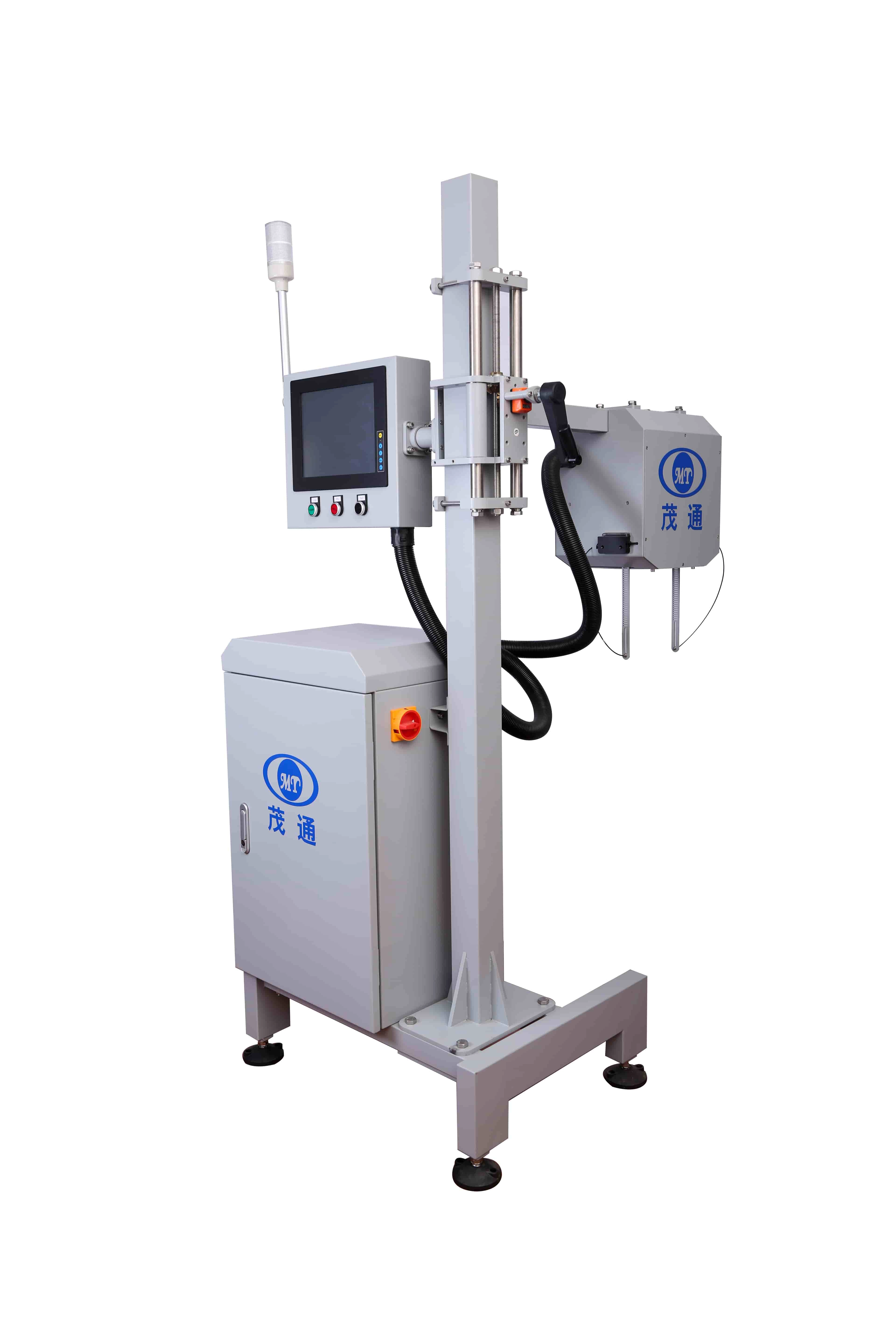
A typical inspection flow includes:
•The inkjet printer applies the code to the can bottom.
•A positioning sensor detects the passing can.
•A Gigabit Ethernet digital camera captures the code image from above.
•Image processing software analyzes the captured code.
•The HMI displays the inspection result.
•The control unit sends a signal to reject defective cans.
This process supports continuous production without contact with the can body, helping avoid product damage while maintaining stable inspection performance.
Technical Features That Support Stable QA
The Can Code Inspection Machine is built for high-speed production environments where repeatability matters. Its inspection capability reaches up to 72,000 cans per hour, and its self-developed detection software supports fast processing up to 1,200 cans per minute. Encoder-based synchronous counting helps maintain rejection accuracy even when the line speed changes or stops.
Key technical features include:
•Non-contact inline inspection to prevent damage to cans.
•360° coding inspection coverage to reduce blind spots.
•Fast code-pattern training for different coding formats.
•Multi-level HMI access control for practical operation management.
•Automatic defect photo storage, organized by date with adjustable retention periods.
•Industrial-grade air-conditioning for stability during extended operation in high-temperature environments.
•Continuous rejection and auto-stop functions for added quality assurance.
•24/7 remote access capability for monitoring and control.
The inspection software can filter interference from can-bottom logos or scratches, helping minimize false rejects during normal production.
Manual Inspection Compared With Automated Inspection
| Aspect | Manual Inspection | Can Code Inspection Machine |
|---|---|---|
| Inspection method | Sampling-based checking | Inline inspection of each can |
| Consistency | Depends on operator judgment | Stable and repeatable |
| Production speed fit | Limited on high-speed lines | Up to 72,000 cans per hour |
| Labor demand | Higher manual involvement | Reduces personnel requirements |
| Defect handling | Delayed or sample-dependent | Automatic online rejection |
| Data support | Limited records | Defect images can be stored |
For manufacturers, the practical value is not only detecting visible printing defects. The system also reduces personnel and production costs, improves production efficiency and product quality, and provides test results that meet the manufacturer’s relevant technical standards.

Detection Accuracy and Quality Metrics
The following inspection data reflects the machine’s detection performance for inkjet printing inspection on can bottoms.
| Inspection Item | Testing Condition | Rejection Rate | False Kick Rate |
|---|---|---|---|
| Inkjet printing inspection | Overall item | — | ≤0.03% |
| No inkjet printing | Cover print, missing print, can inverted | >99.99% | — |
| Missing inkjet printing | Single character missing by more than 20% | >99.8% | — |
| Fuzzy inkjet printing | Characters cannot be recognized by the human eye | >99.93% | — |
| Incorrect inkjet printing | Wrong date, factory code, security code, or deformation | >99.99% | — |
| Position offset | Beyond the expansion zone | >99.99% | — |
| Duplicate inkjet printing | Multiple codes in the code area | >99.99% | — |
For the “No Coding” test item, a rejection rate above 99.99% means that, in theoretical test terms, no more than one can in every 10,000 tested cans may fail to be rejected. These tests are conducted in real time for each can.
How the Detection Principle Works
The Can Code Inspection Machine coordinates sensing, imaging, software analysis, and rejection control. When a can reaches the positioning sensor, the control unit records its identification number and encoder signal. The sensor then triggers the camera to capture the current coding image. After image processing, the result is sent to the HMI and control unit. If the can is unqualified, the rejector removes the corresponding product at the correct position.
This sequence is especially useful on lines where speed changes, stops, or short interruptions may occur. Encoder-based synchronization helps ensure that the rejection action remains matched to the correct can.
FAQs
Where should a Can Code Inspection Machine be installed?
It is typically installed close after the inkjet printer so coding defects can be detected immediately after printing.
What defects can the machine detect?
It can detect missing codes, covered prints, inverted cans, fuzzy printing, incorrect dates or factory codes, missing characters, position offsets, and duplicate printing.
Does the system inspect every can?
Yes. The machine is designed for online inspection in high-speed can production lines and conducts real-time testing for each can.
How fast can it operate?
The stated inspection capability reaches up to 72,000 cans per hour, with software processing up to 1,200 cans per minute.
How does it support traceability?
It checks bottom-code information such as date codes, fixed data, and anti-counterfeiting codes, while also supporting automatic storage of defect photos by date.
What does false kick rate mean?
False kick rate refers to qualified products being rejected by mistake. For this system, the stated false kick rate is ≤0.03%